Setup your own Hubs server
Written by Bruce LANE on December 27, 2020

Hubs, from Mozilla, is great to build your 3D world for art galleries, live performances and private social networks!
Run a development server on your local computer
This is how to run it locally, in my case on Ubuntu in the Windows Subsystem for Linux (WSL) on Windows 10 Terminal. For sure you can use Linux or Mac.
Setup Ubuntu and add nodejs, I use version 15, any version >= 12 is ok.
Clone the Hubs repo (or better, use your own fork) and run it using the following commands
# dependencies
apt-get install -y build-essentials curl git
# node 15, replace 15 with another version if needed
curl -sL https://deb.nodesource.com/setup_15.x | sudo -E bash -
apt-get install -y nodejs
mkdir hubs
cd hubs/
git clone https://github.com/mozilla/hubs
cd hubs/
npm i -G webpack-dev-server #install globally
npm ci
npm run dev
Open https://hubs.local:8080/ in your browser, accept the insecure website warning and Create your first room !
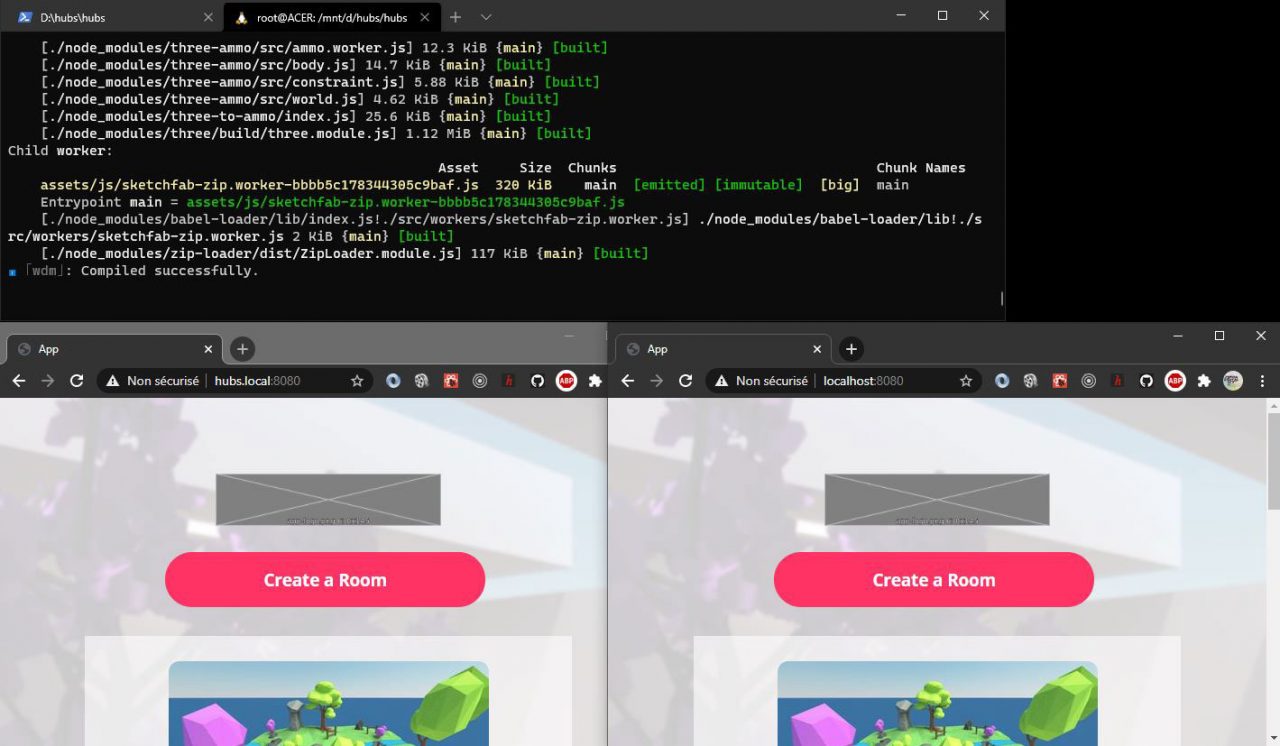
Replace the grey placeholder images (app-logo.png and company-logo.png) in the assets/images folder

Our local server still relies on services on Internet, let’s try to run them locally.
Reticulum
Warning: this part didn’t succeed
Dependencies: setup PostgreSQL (on WSL follow these instructions) and Elixir following these instructions
These command lines are adapted to run on WSL:
# postgreSQL
nano ../../etc/apt/sources.list #add pg source
wget --quiet -O - https://www.postgresql.org/media/keys/ACCC4CF8.asc | sudo apt-key add -
apt-get update
apt-get install postgresql-10
passwd postgres #add password
service postgresql start
nano .profile #optional add aliases for pg: alias pgstart='sudo service postgresql start' and alias runpg='sudo -u postgres psql'
# erlang
wget https://packages.erlang-solutions.com/erlang-solutions_2.0_all.deb && sudo dpkg -i erlang-solutions_2.0_all.deb
apt-get update
apt-get install esl-erlang
# elixir
apt-get install elixir
 nano .profile #add elixir to path: export PATH="$PATH:/usr/bin/elixir"
elixir --version
# ansible
apt-add-repository --yes --update ppa:ansible/ansible
apt install ansible
# change postgres password to postgres
sudo -u postgres psql
ALTER USER postgres WITH PASSWORD 'postgres';
Reticulum
git clone https://github.com/mozilla/reticulum.git
cd ./reticulum/
mix deps.get
mix ecto.create
cd ./assets/
/usr/bin/npm install
cd ..
mkdir -p storage/dev
iex -S mix phx.server # or ./scripts/run.sh but I don't have the Vault password
Deploy to a dedicated production server
tbd